Your reference as a starting point
Upload artwork, review detected text and prepare an HTML version. The layout needs designer review.
Prepare signatures your clients can maintain. Keep control of design decisions and make information updates easier.
Private pilot · Billing is not active

Upload artwork, review detected text and prepare an HTML version. The layout needs designer review.
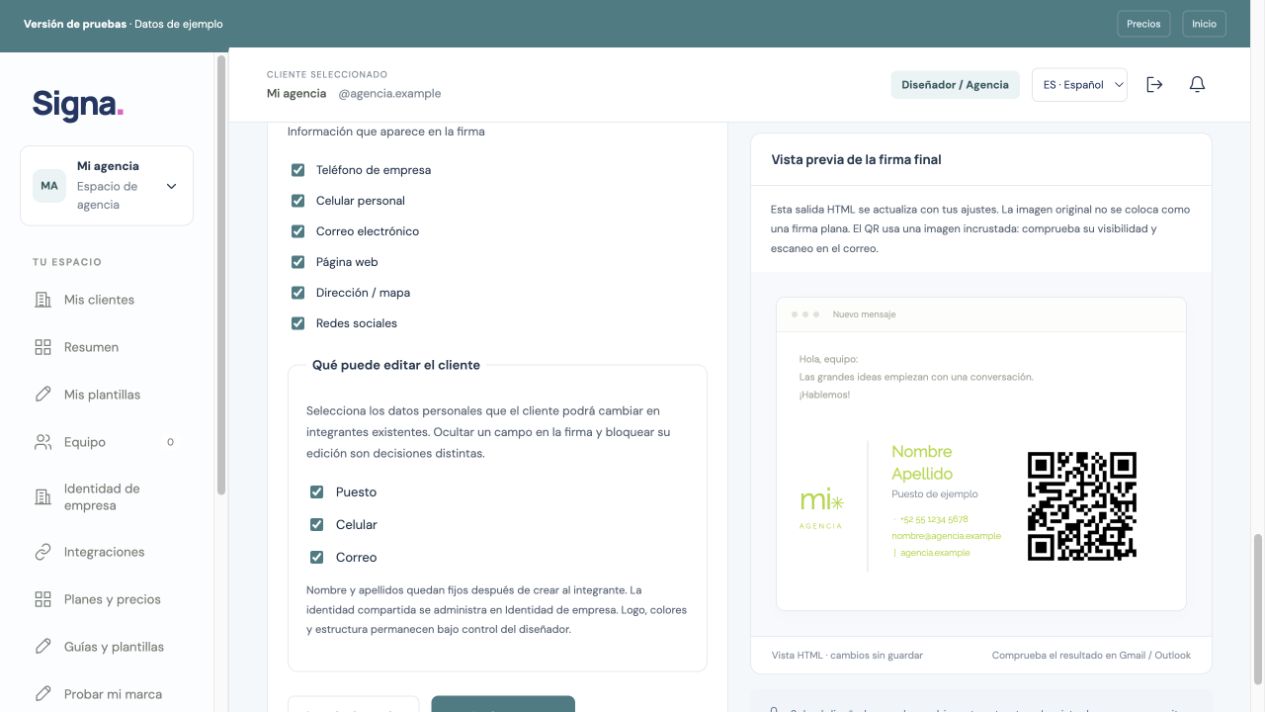
Choose which details clients may update. Keep control of structure and identity.
Organize brands, domains and team members. Review each signature before handoff.
 Enlarge screenshot ↗
Organize the domain and shared details.
Choose the design, map fields and review the HTML.
Install the signature in your email client, send a test and verify it.
Ready in tuSigna does not mean installed in email. Google and Microsoft connections require configuration and authorization.
tuSigna is in a private pilot. Explore examples and plans; application access is limited to authorized users.